
How to turn on "Dark Mode"
Monongapedia has a setting that allows you to choose either a light or dark background. The default setting is Light Mode but you may wish to change that to Dark Mode.
For Mobile Devices
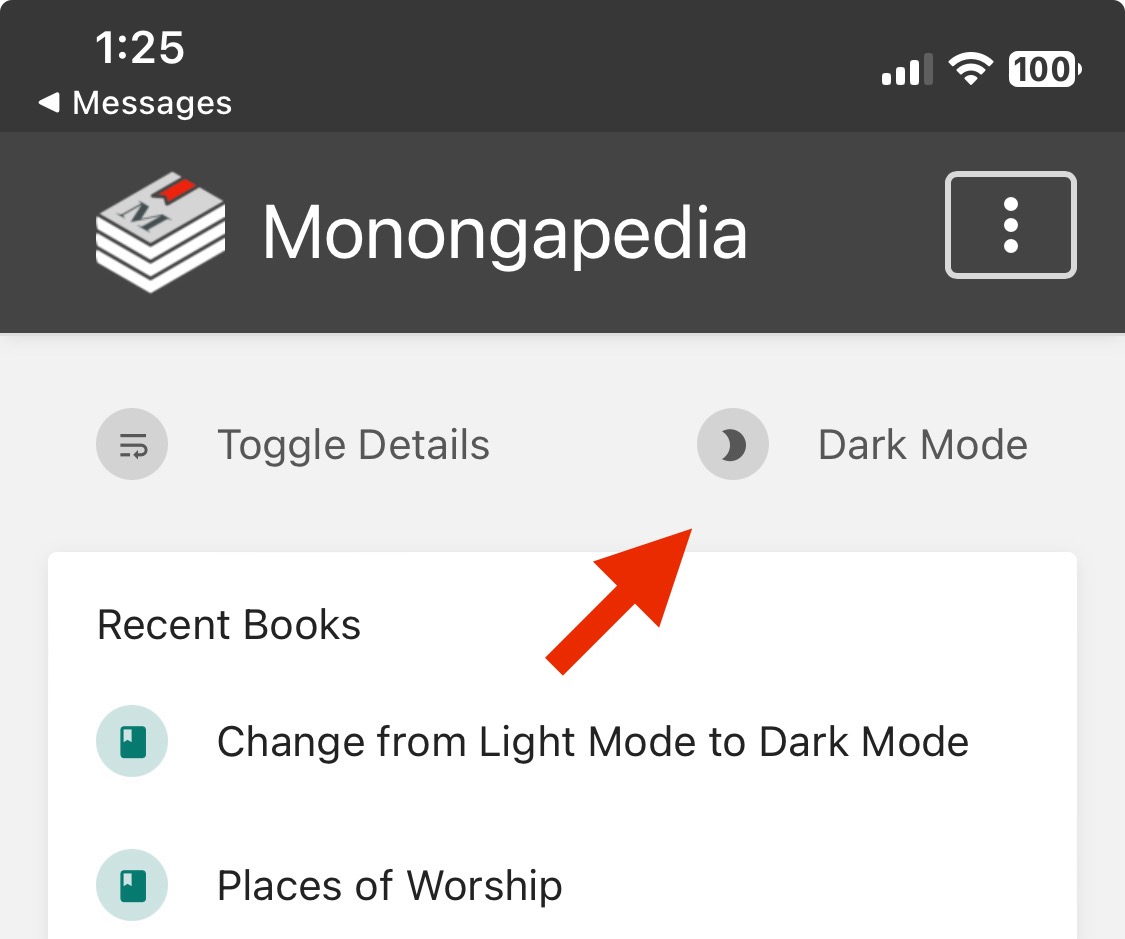
Monongapedia has a setting that allows you to choose either a light or dark background. The default setting is Light Mode but you may wish to change that to Dark Mode.